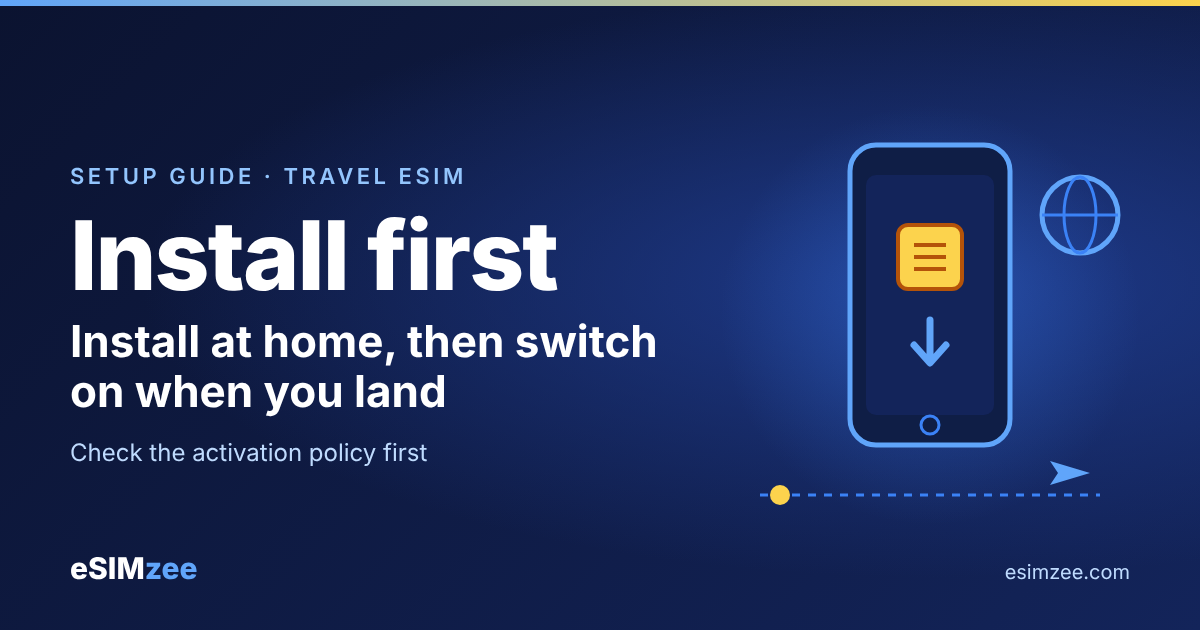
Quick answer: Install your travel eSIM at home on Wi-Fi a day or two before you fly, then switch it on after you land. Installing puts the eSIM on your phone. Activating it, meaning the plan starts counting down, depends on the plan's rules, so read the activation policy before you buy.
What is the difference between installing and activating a travel eSIM?
Installing means your phone downloads the eSIM profile. A profile is the digital version of a SIM card. Think of it as saving a ticket to your phone wallet: the ticket is there, but you have not boarded yet.
The GSMA eSIM whitepaper explains the system behind it. A server called the SM-DP+ prepares and protects the profile. A function in your phone called the LPA downloads it to the eUICC, the small chip that stores profiles. The GSMA also lists enable, disable, update and delete as profile management operations.
So installing and switching a line on are separate steps. Whether the plan's clock starts at either step is set by the provider.
Should I install my eSIM before my trip?
Yes, in most cases. Installing needs a working internet connection. Apple tells iPhone users to connect to a Wi-Fi network or hotspot first. Samsung likewise says your phone should be on Wi-Fi or mobile data before you add a plan.
Home Wi-Fi is the easiest place to do that. You avoid hunting for a connection in a busy airport.
Provider Airalo's help page says you can install an eSIM as soon as you buy it with a stable connection. It also warns that some plans start counting down at installation.
When does my travel eSIM validity start?
It depends on the plan's activation policy. This is the rule that says when the countdown begins. Airalo describes two cases:
- Most plans: validity starts when the eSIM connects to a supported network in its coverage area. Installing at home loses no days.
- Some plans: validity starts at installation. Installing early uses up days before you can connect.
Airalo's page also says an eSIM installed before you arrive will not work outside its coverage area. Check the activation policy on the plan page before you pay. If it says the clock starts at installation, install on your travel day instead.
How do I switch the eSIM on when I land?
- After you land, keep your home SIM on if you want calls and texts on your usual number.
- Open your phone's SIM settings and turn the travel eSIM on.
- Select the travel eSIM for mobile data.
- Wait a few minutes for the network name to appear, then test a web page.
On an iPhone, Apple says one number at a time can use cellular data. You choose it under Settings, Cellular, Cellular Data. Apple also advises labeling your plans, for example "Travel", so you do not mix them up.
On a Pixel, Verizon's support page places the switch under Network & internet, SIMs, with a "Use this SIM" toggle. Samsung's guide lists SIM card manager under Settings, Connections. Menu names vary by model, so follow your provider's steps if yours differ.
Can I install my eSIM on airport or in-flight Wi-Fi?
You can try, but home is the better place. A stable connection matters for the download, and an eSIM installed in the air will not connect until you reach its coverage area. Install at home, and keep your phone on Wi-Fi until the profile finishes downloading.
How do I choose a plan with the right activation policy?
Check that your phone supports eSIM with the eSIMzee device checker. Then compare plans by provider on the eSIMzee providers page, and read the activation policy on each plan before you buy.
Not sure how much data to buy? Estimate it with the eSIMzee data calculator. A plan whose clock starts at first connection is the safest choice if you like to set up early.
Frequently asked questions
Should I install my eSIM before my trip?
Yes. Install it on home Wi-Fi a day or two ahead. Keep the line switched off until you land, and check the plan's activation policy first.
Does installing an eSIM start my plan?
Only on some plans. Airalo says most plans start when the eSIM connects in its coverage area, while some start at installation. Check the activation policy before you buy.
Will my eSIM work before I reach my destination?
No. Airalo says the eSIM only works where its coverage applies, so it will not connect until you arrive.
Do I need Wi-Fi to install a travel eSIM?
Yes, a connection is needed. Apple says some eSIM-only iPhones in some countries can activate without Wi-Fi, but a normal travel eSIM install is easiest on Wi-Fi.
Can I delete my eSIM after the trip?
You can. The GSMA lists delete as a profile management operation. Ask your provider before deleting if you might want to reuse the plan, because you may not be able to reinstall it.
Sources
- eSIM Whitepaper: The what and how of Remote SIM Provisioning, GSMA, March 2018
- Set up eSIM on iPhone, Apple Support, accessed 2026-11-01
- Using Dual SIM with an eSIM, Apple Support, 22 October 2026
- How to use an eSIM with your Galaxy phone, Samsung UK, updated 22 January 2025
- Google Pixel Phones: Enable / Disable eSIM Profile, Verizon, accessed 2026-11-01
- When can I install my eSIM?, Airalo, accessed 2026-11-01